Widgets
Widgets are simple content blocks which allow you to customize your sidebar easily. Our themes often use widgets, not just for sidebars but also for the Magazine template and footer areas.
Widgets Screen
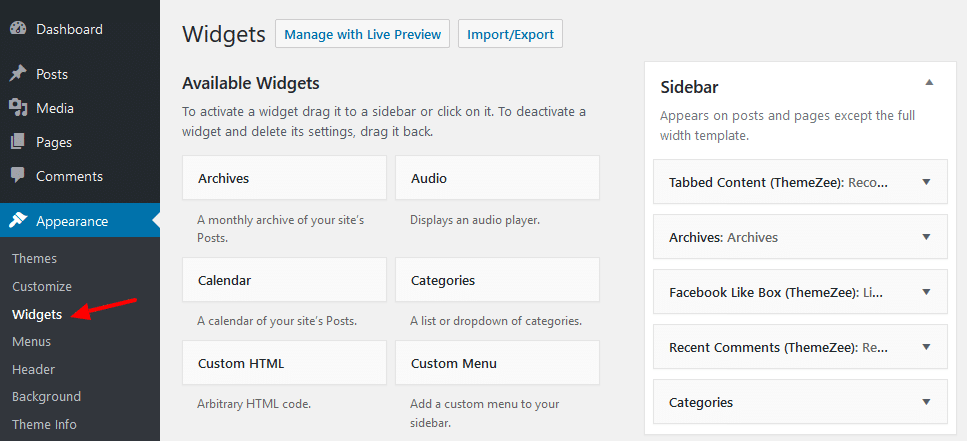
You can add and configure your widgets on Appearance → Widgets in your WordPress backend.
Adding Widgets
Adding widgets is easy. Simple drag the widget from the Available Widgets area on the left into the Sidebar area on the right in order to add a widget. You can also change the order of the widgets in the sidebar with drag & drop.
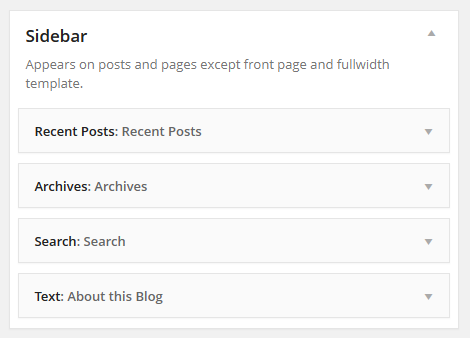
You can add and order widgets of other widgetized areas of the theme in the same way.
Configure Widgets
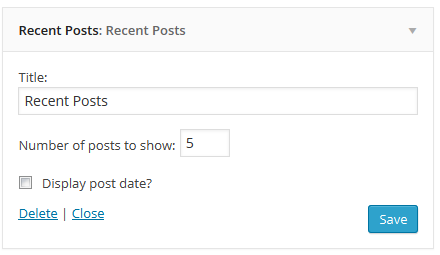
You can configure widgets by clicking on the triangle on the right side. It will open the widget configuration options, which is different for each widget. For example the ‘Recent Posts’ widget has other options than a ‘Text’ widget.
Control Widgets on your website in theme Customizer
In addition to the Widgets screen in the WordPress backend, you can also create and edit widgets in the Customizer which offers live preview of your website.
For customizing widgets, please go to Appearance → Customize → Widgets.
The Widgets panel allows you to add and manage the widgets on your site.
Clicking on it will show you the different locations where you can add widgets. This will vary depending on the theme you’re using.
For example, the Twenty Seventeen theme offers 3 widget locations, whereas the Twenty Nineteen theme comes with just one location.
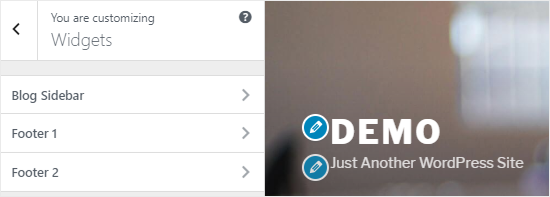
When you click on any one of them, you’ll see the widgets that you’ve previously added to that location.
To add a new widget, you need to click on the “Add a Widget” button. This will open a new panel where you’ll see a list of all available widgets.
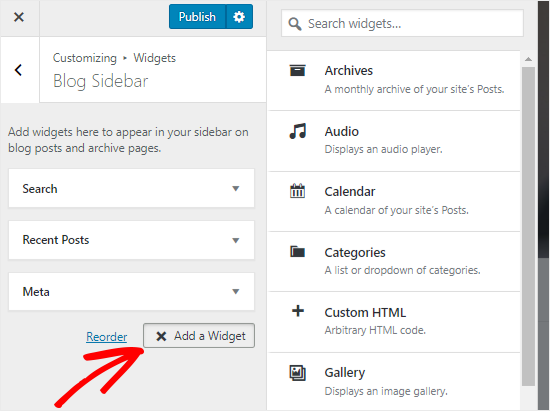
You need to click on the one that you want to add. You can also make changes to the newly added widgets and adjust their position by dragging them up or down.