Typography Settings
Your site’s fonts, or typography, play an essential role when it comes to your site’s design as well as its user experience. Access your theme’s typography settings is via the WordPress Customizer. To launch it, go to Appearance → Customize in your WordPress dashboard.
Typography settings give you access to hundreds of fonts that Google offers for free. Basically, you can choose different fonts and styles for each of various areas such as Header menu, footer, buttons, body font.
When you make changes here, you should see those changes appear instantly on the live preview of your site.
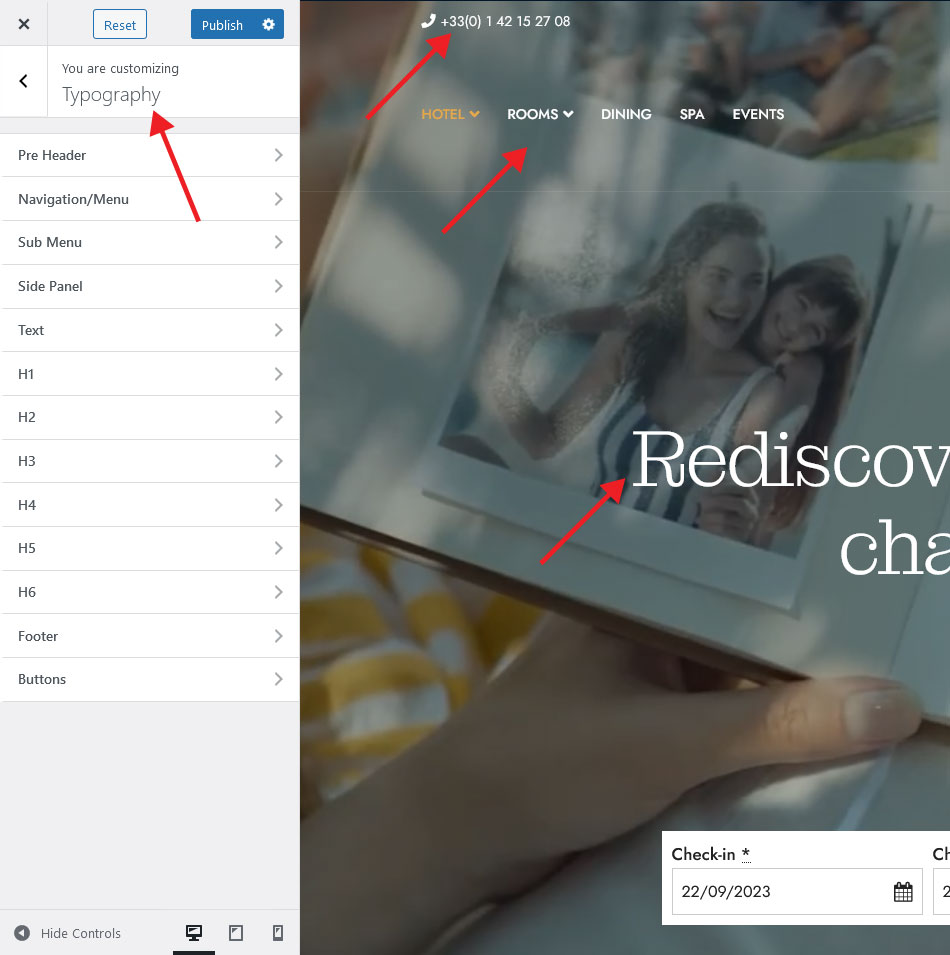
To begin, go to the each heading sections and make your sitewide selections. As you change the font, you should immediately see the live preview change.
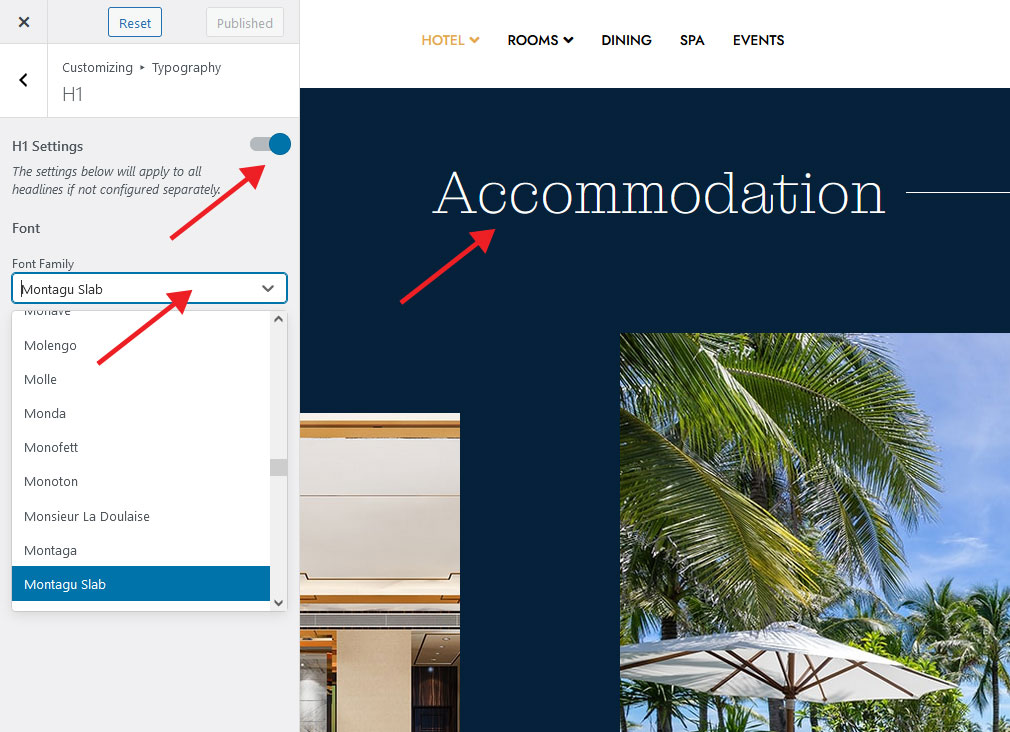
For some sites, this might be all you need. However, if you want to adjust the font for specific elements, you might want to open the Typography Settings via elementor on your page for more granular control.