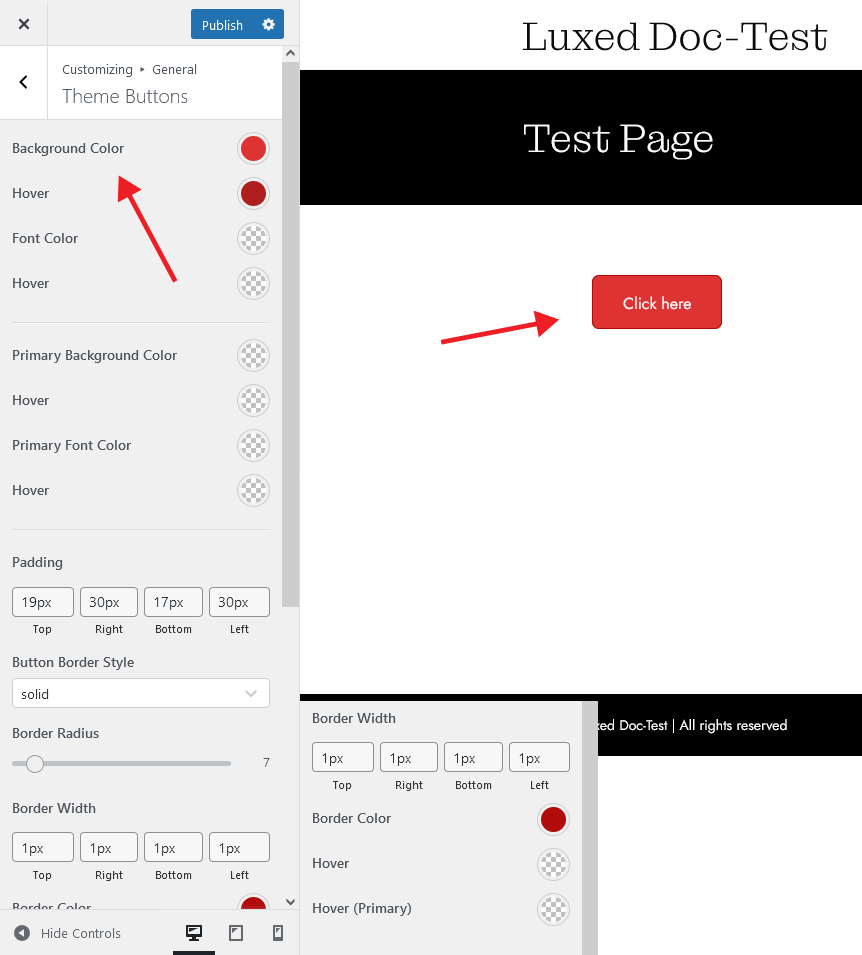
General Theme Settings
You can find many default settings of the theme under the General tab.
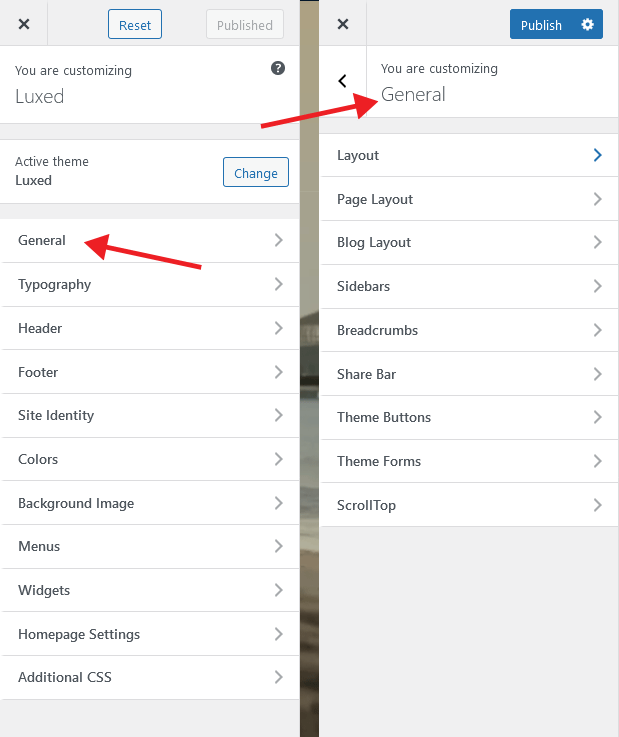
Layout Settings
You can customize the default page width of your theme in the Layout section. Extra settings are provided here to give the user more flexibility. If you want to use a body frame as the default across your entire site, just enter the settings you want.
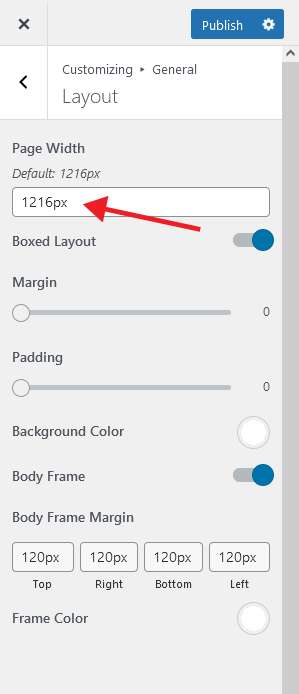
Page Layout
Page Layout settings allow you to customize the alignment, font and color of your default page title on your page. It also offers optional background image features. If you want, you can add movement to your page by activating the parallax effect.
Don’t forget to press the Publish button after making the necessary settings.
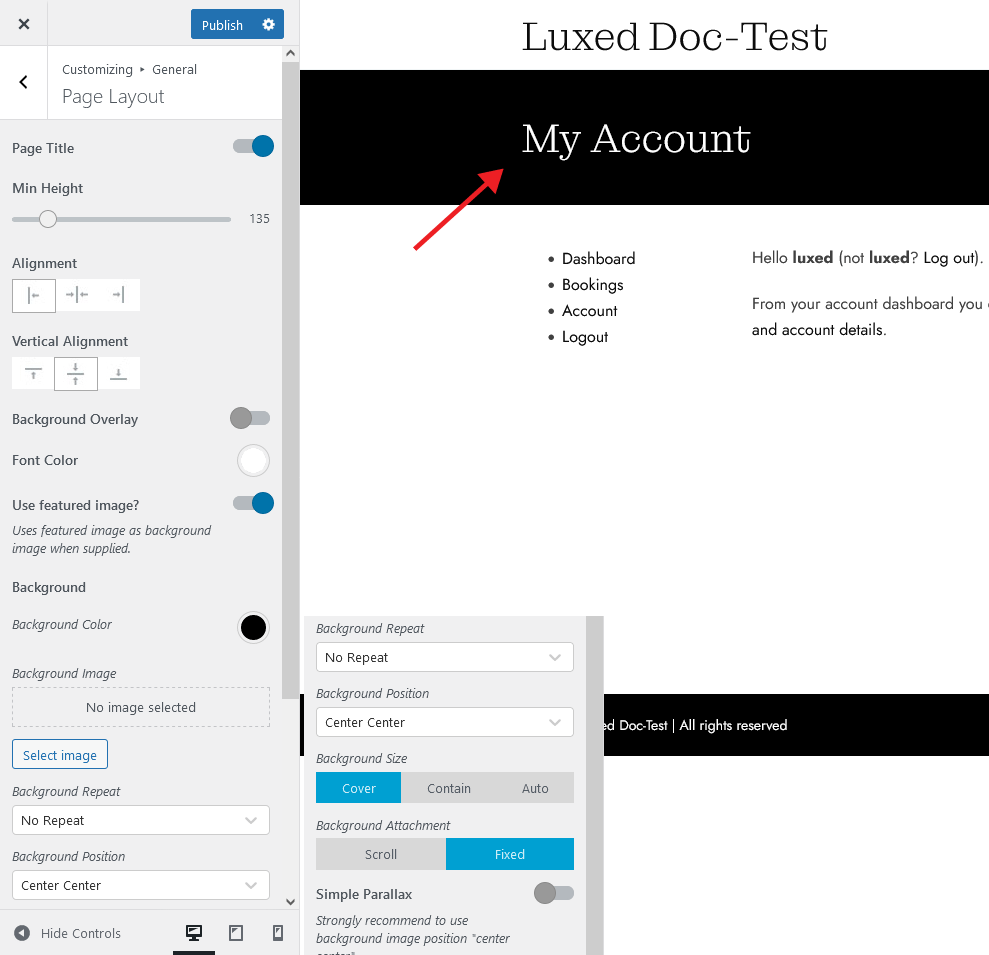
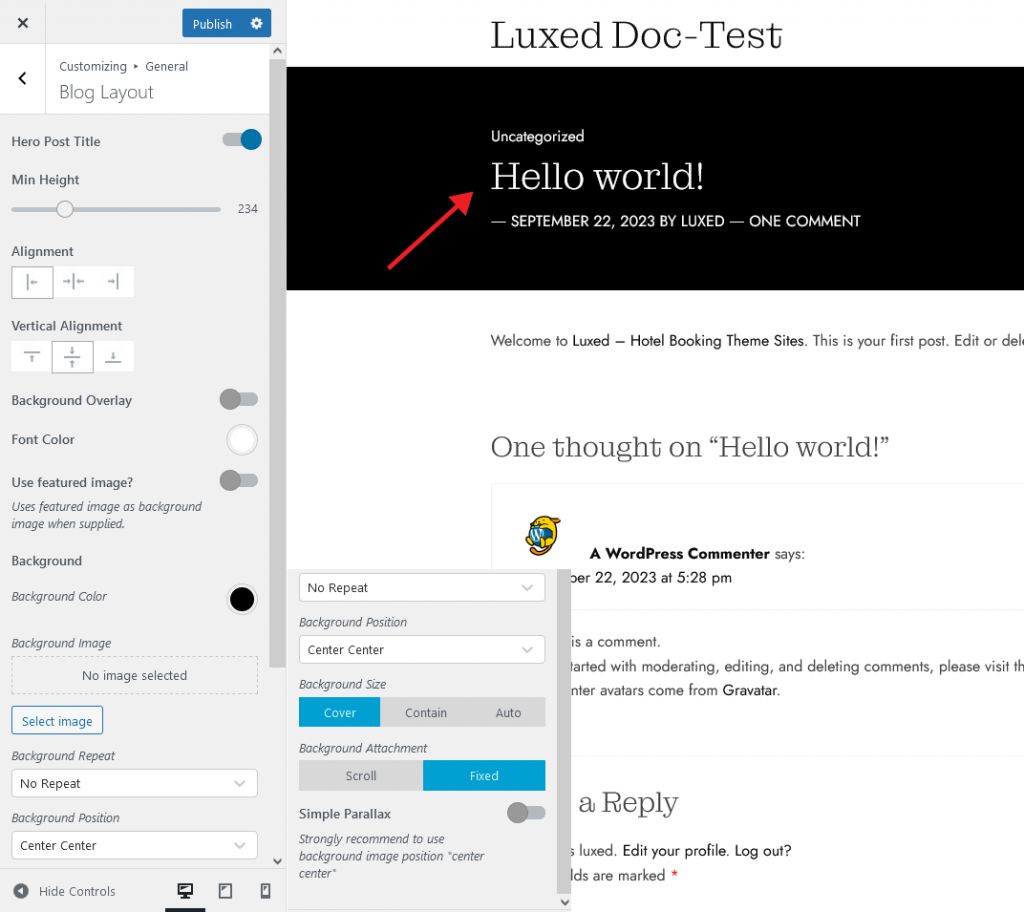
Blog Layout
Blog Layout settings allow you to customize the alignment, font and color of your default blog title on your page. It also offers optional background image features. If you want, you can add movement to your page by activating the parallax effect.
Don’t forget to press the Publish button after making the necessary settings.
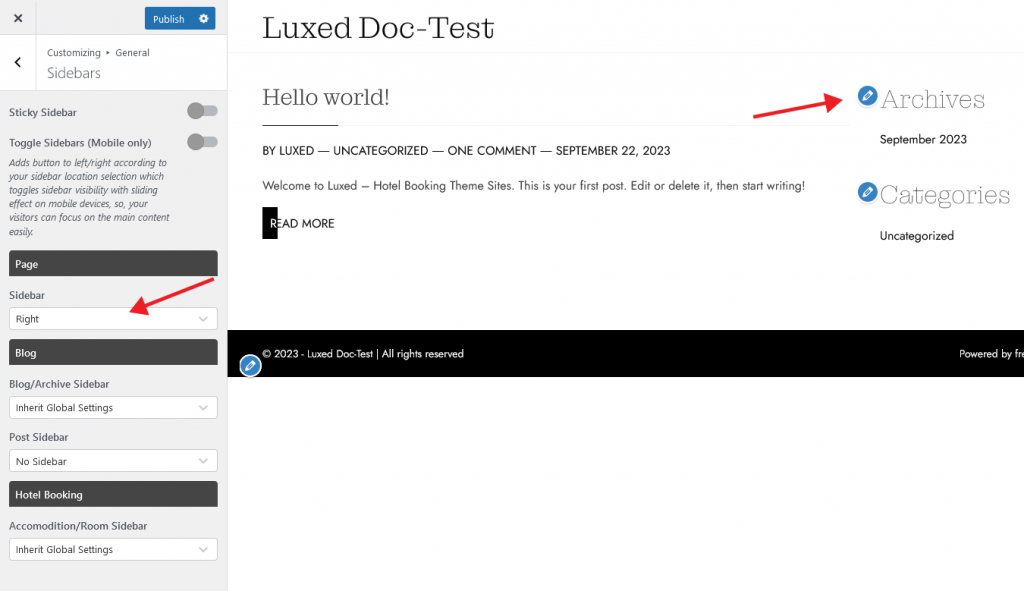
Sidebars
Sidebars settings help you choose the position of a sidebar by default on your page. These options can be defined separately for page, blog and hotel booking pages. If you want the sidebar to remain fixed while scrolling your page, an option is provided for this.
Don’t forget to press the Publish button after making the necessary settings.
Theme Buttons
Theme Button settings allow you to style the buttons you will use throughout your site by default.
Here you can choose the color for the default and hover positions of the button and customize the button for your design using padding settings.
Don’t forget to press the Publish button after making the necessary settings