Additional CSS
Since WordPress 4.7 you can add your own CSS snippets in the Customizer. Therefore go to Appearance → Customize → Additional CSS.
You can paste or write your code in the highlighted editing area. The Additional CSS section allows you to insert your CSS code in a large text area field. The CSS code is immediately applied to the live preview on the right hand side, which means you can try CSS code safely before saving it.
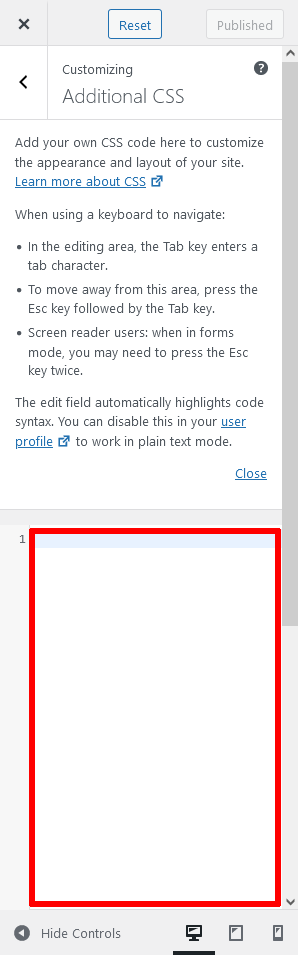
At the bottom of the WordPress, live customizer you can click Hide Controls, for full-screen editing without the controls on the left.
You can also preview how your website will look like on PC, tablet, and mobile device – click the respective icon.