Wedding Planner Documentation
  • Home
  • Knowledge Base
  • Submit A Ticket

Knowledge Base

Home/Knowledge Base/Frequently Asked Questions/How to set the logo?

How to set the logo?

  • Created April 24, 2015
  • Author admin
  • Category Frequently Asked Questions

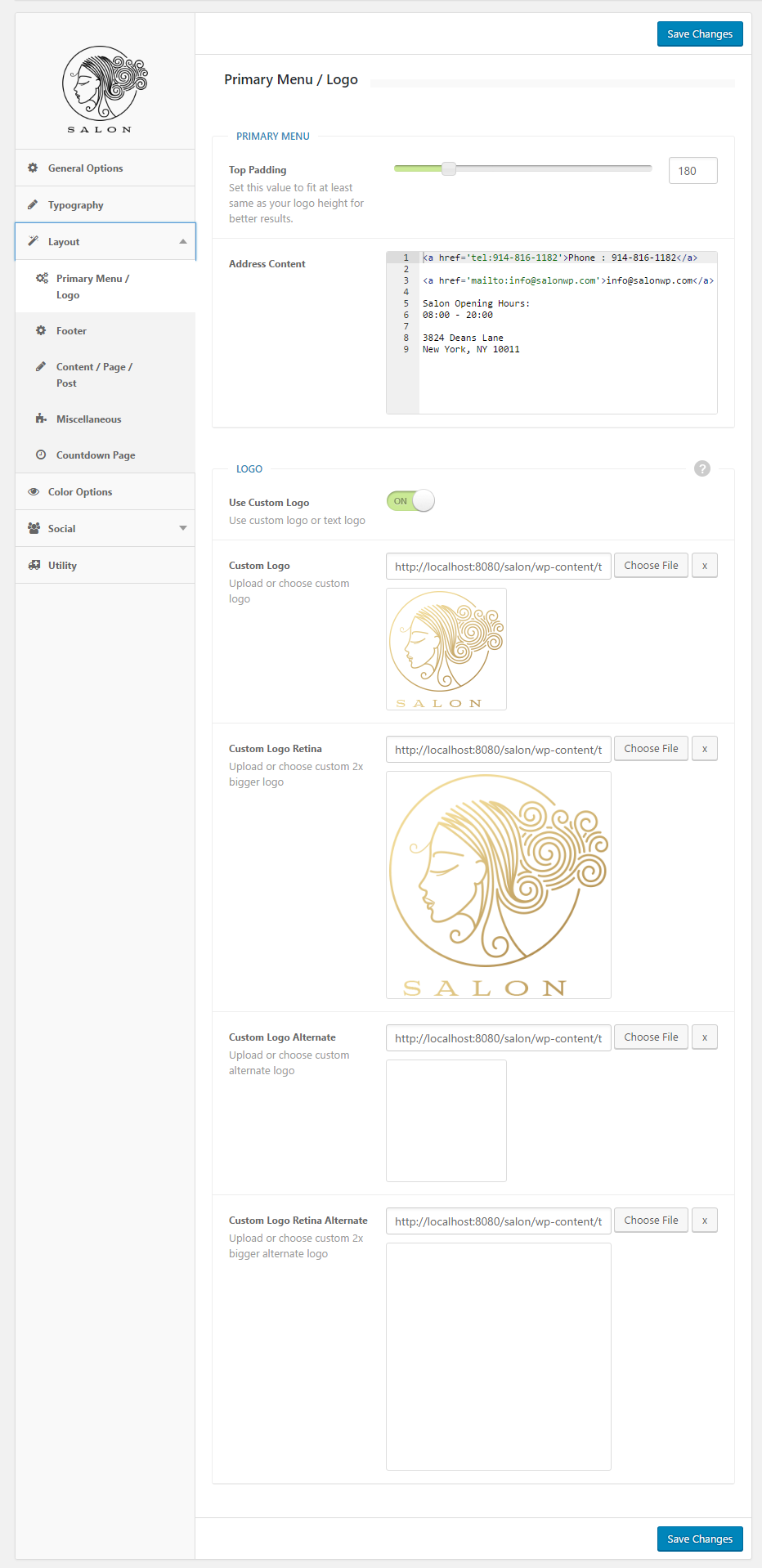
Our Theme Options allows you to use image or text logo. You can set your logo from the Appearance > Theme Options > Layout > Primary Menu / Logo (screenshot attached).

Please make sure you’ve added retina sized logo for a proper appearance on mobile devices!
Tagged: custom logo

Related Articles

  • Anchor Links / One Page / Scroll to Section
  • Ultra Wedding page – Slider Settings
  • Mega Menu Doesn’t Look Same
  • Get Instagram Client Id
  • Titles, Tags & Meta
  • Pages / Post Structure

Knowledge Base Articles

  • Anchor Links / One Page / Scroll to Section
  • Ultra Wedding page – Slider Settings
  • Menu Customization / Mega Menu
  • Mega Menu Doesn’t Look Same
  • Installation & Dummy Data& Configuration

Knowledge Base Categories

  • 2Admin Panel Screenshots
  • 47Frequently Asked Questions
  • 17Getting Started
  • 8Shortcodes
  • 2Video Tutorials
  • 3Widgets

About FreeVision

We create beautiful, modern WordPress themes with clean design, powerful features and great support.

Knowledge Base Articles

  • Anchor Links / One Page / Scroll to Section
  • Ultra Wedding page – Slider Settings
  • Mega Menu Doesn’t Look Same
  • Get Instagram Client Id
  • Titles, Tags & Meta

Knowledge Base Articles

  • Anchor Links / One Page / Scroll to Section
  • Ultra Wedding page – Slider Settings
  • Menu Customization / Mega Menu
  • Mega Menu Doesn’t Look Same
  • Installation & Dummy Data& Configuration
© Copyright FreeVision Themes.