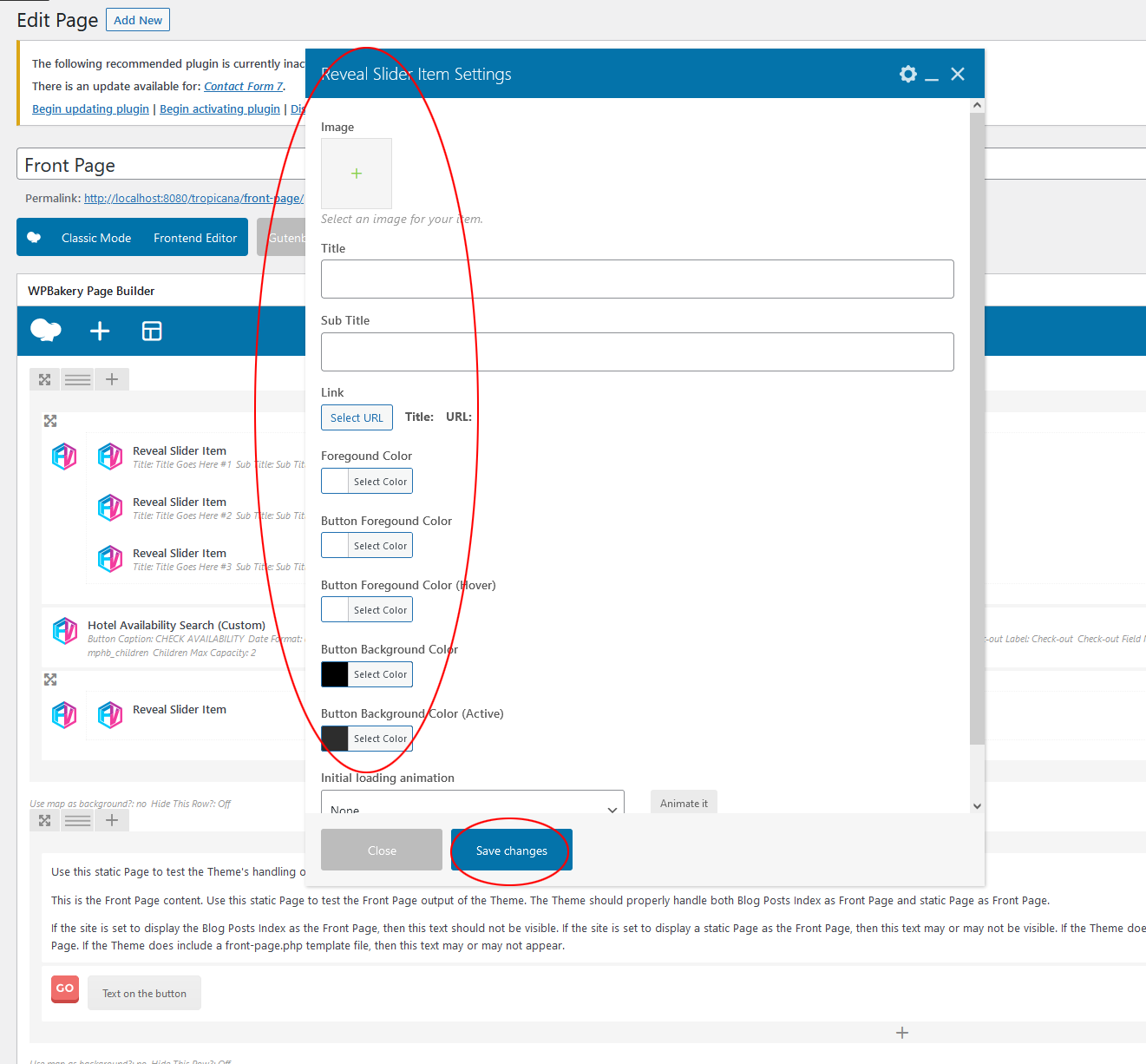
Step #1 – Click on + icon of the column to prepend / append items to your column.
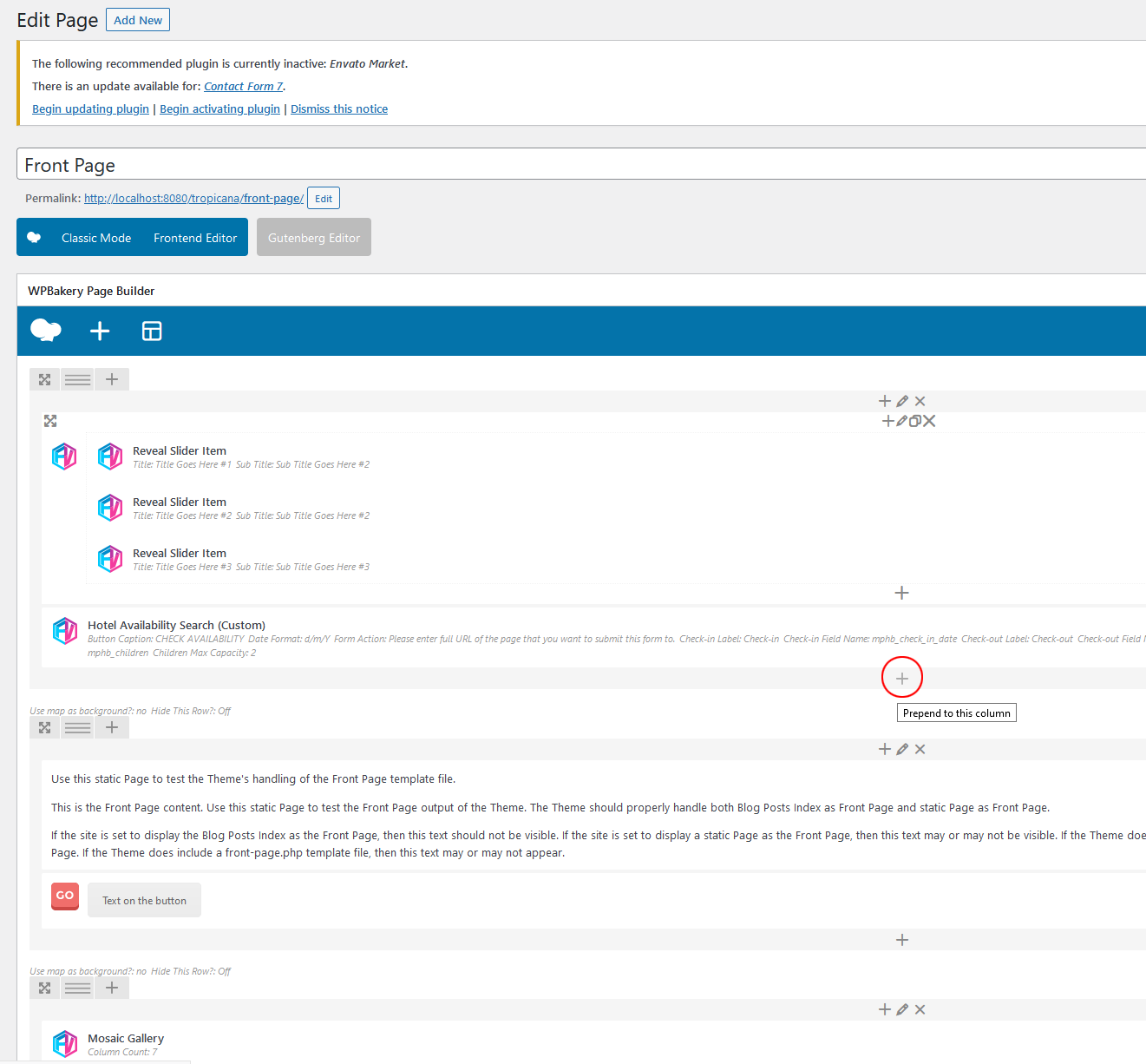
Step #2 – Select Reveal Slider component and save changes.
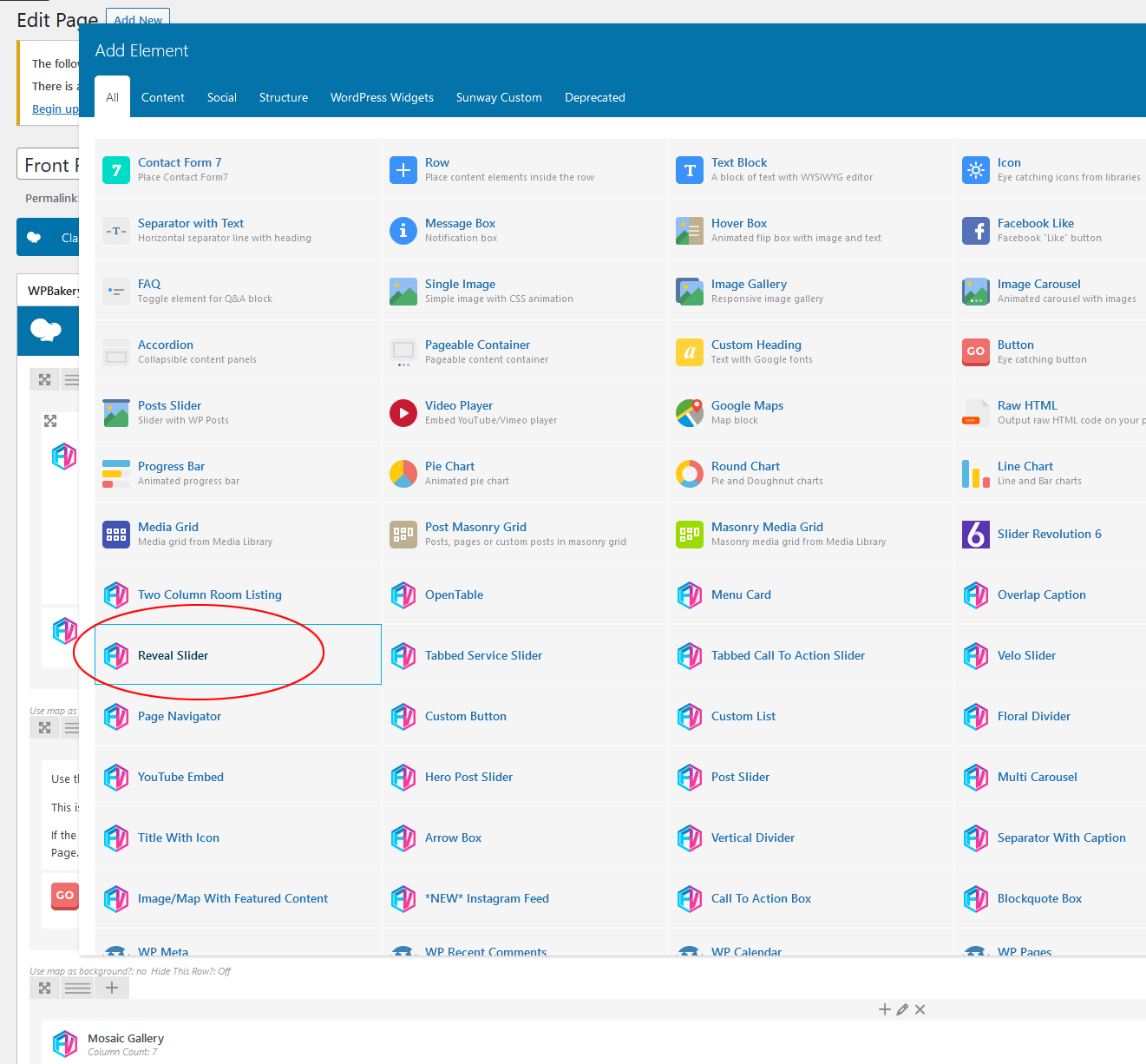
Step #3 – Click on + icon of Reveal Slider item to add child items.
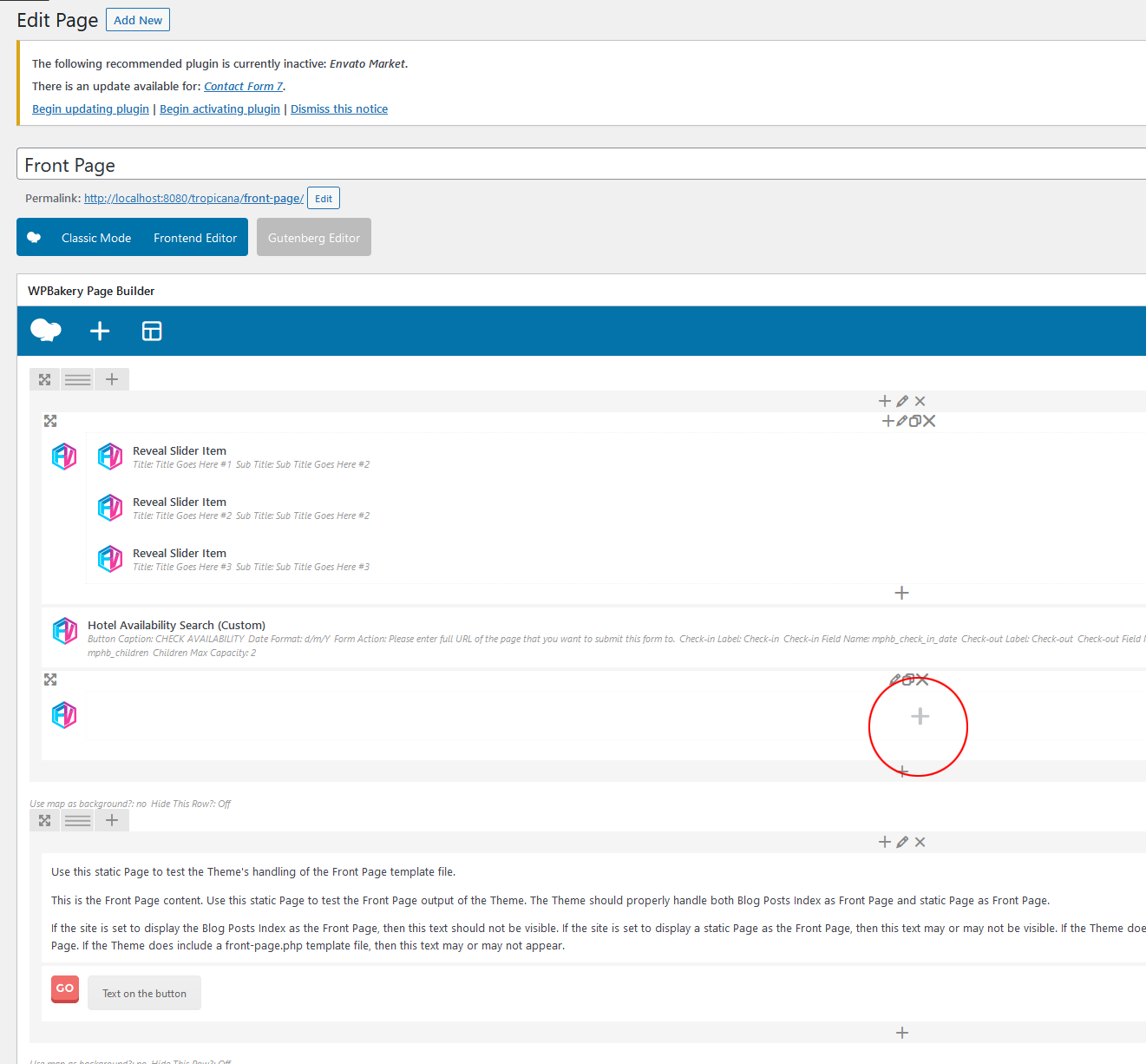
Step #4 – There will be only one item available to add inside Reveal Slider, append it.
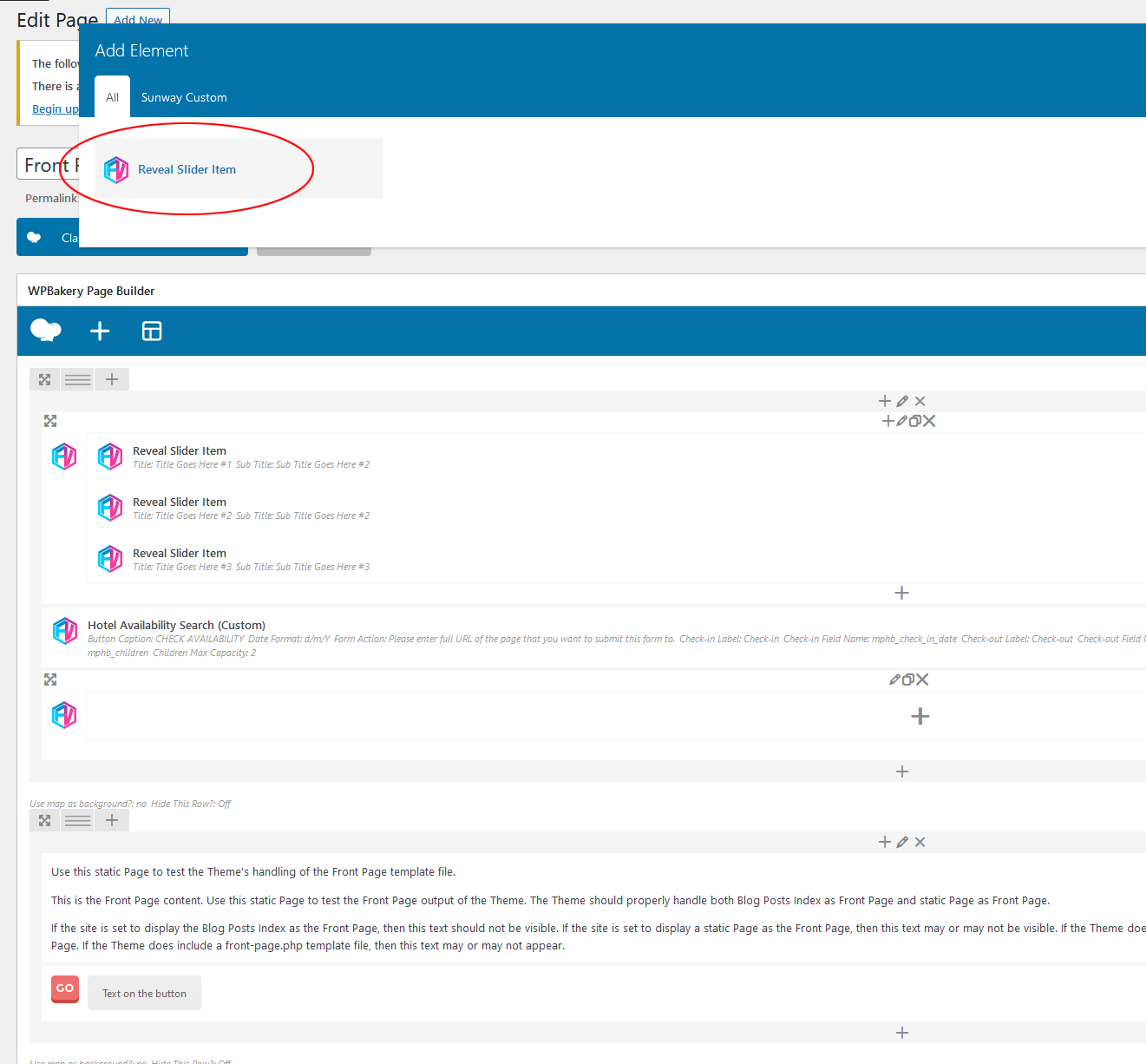
Step #5 – Fill necessary fields and save changes, to add more items you can repeat after Step #3 or duplicate your Reveal Slider Item