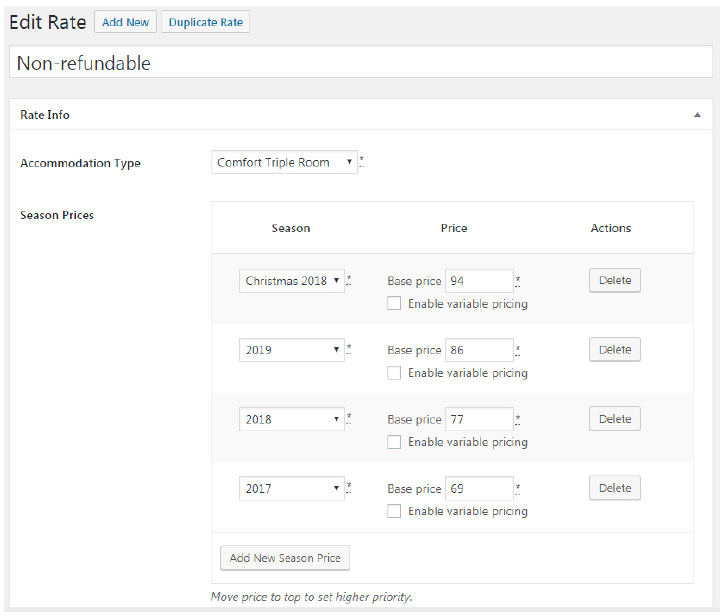
Rates are very important for your entire hotel management process. They are directly connected
with prices for accommodation types depending on whether or not a particular accommodation
type is supplied with extra benefits. The choice of rates (a list of rates) will be visible for a site
visitor under a selected accommodation type.
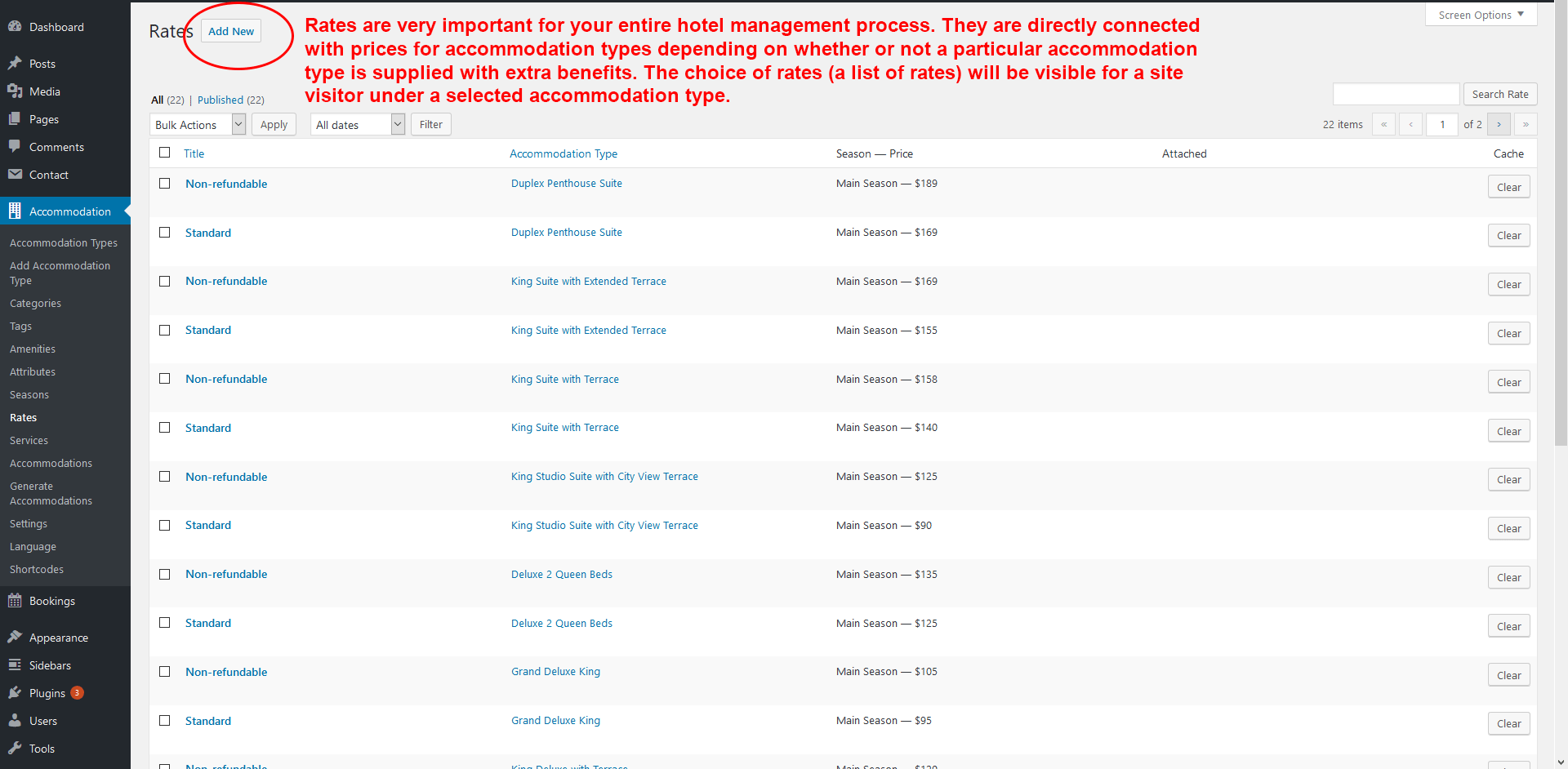
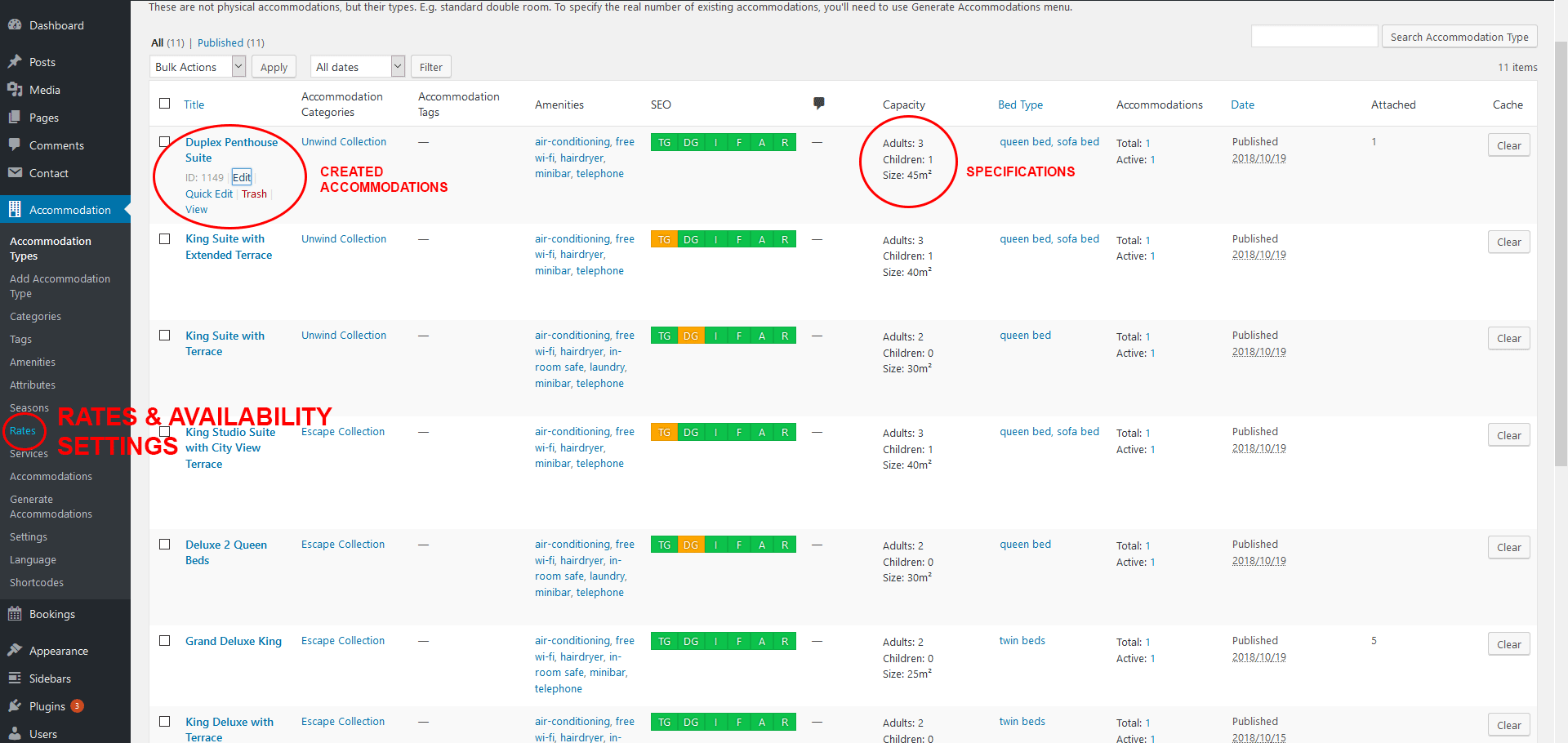
This is how you should set up the rate for a particular accommodation type (go to
Accommodation → Rates → Add New):
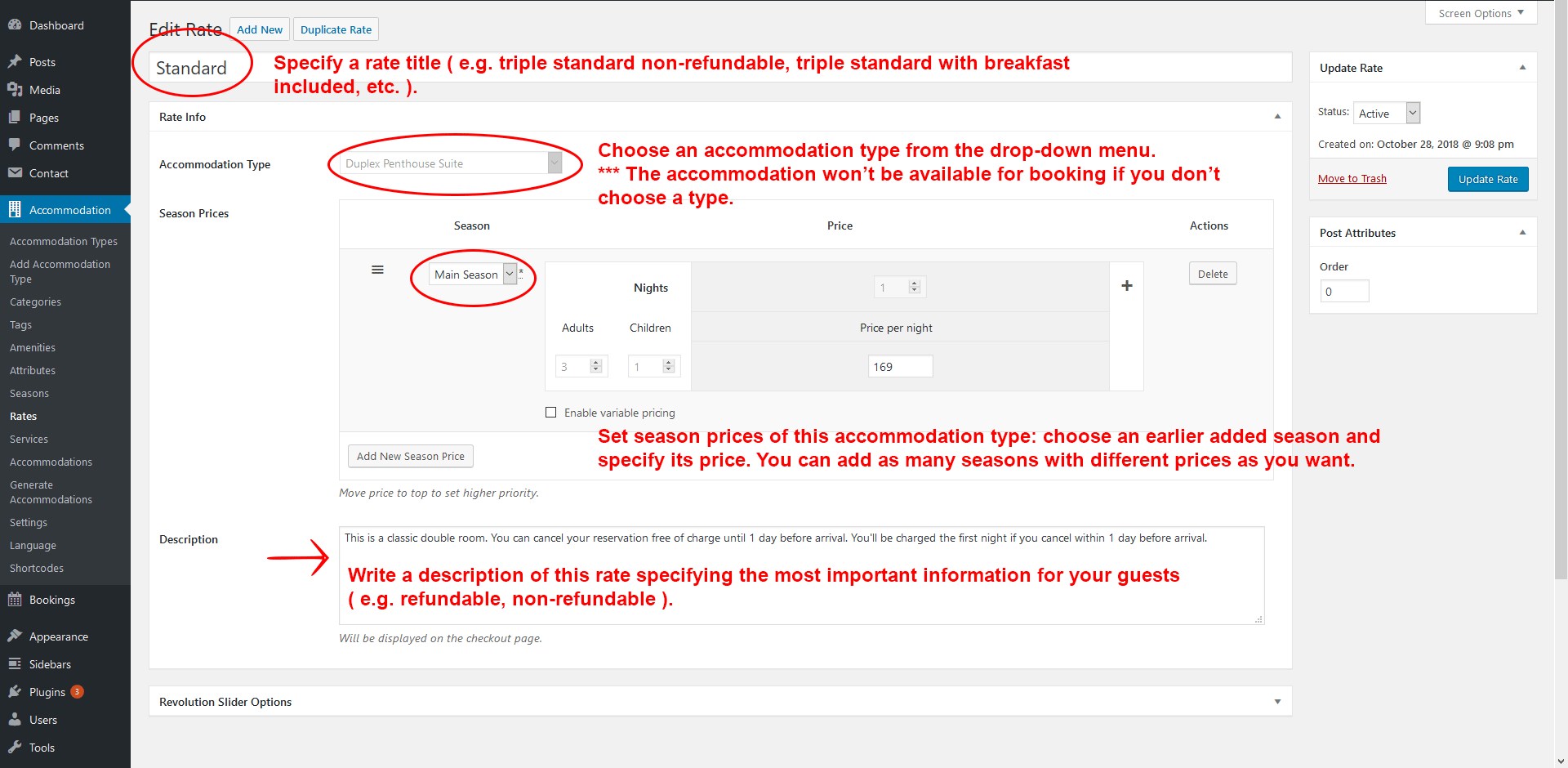
- Specify a rate title ( e.g. triple standard non-refundable, triple standard with breakfast included, etc. ).
- Choose an accommodation type from the drop-down menu.
- Set season prices of this accommodation type: choose an earlier added season and specify its price. You can add as many seasons with different prices as you want.
- Write a description of this rate specifying the most important information for your guests ( e.g. refundable, non-refundable ).
Example: