
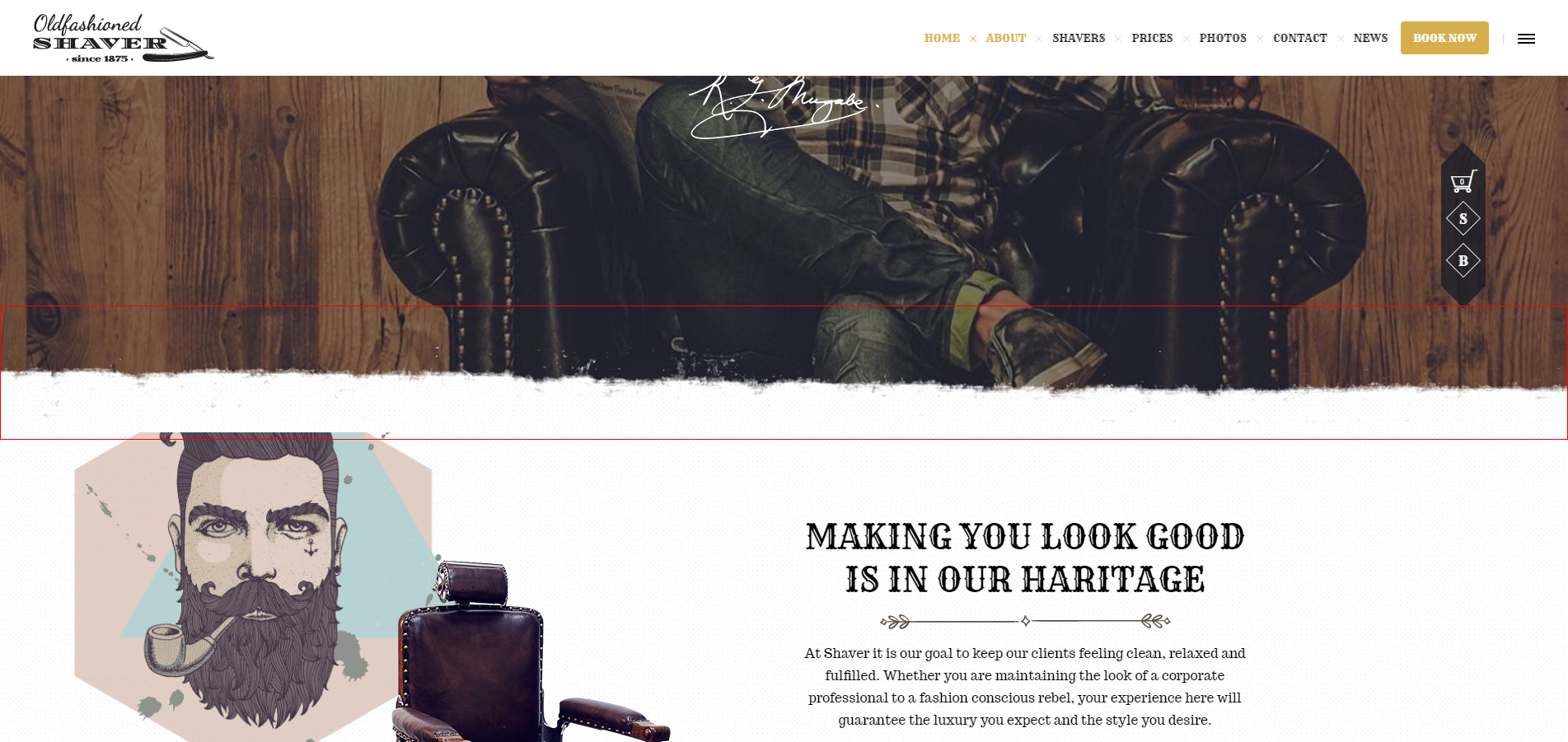
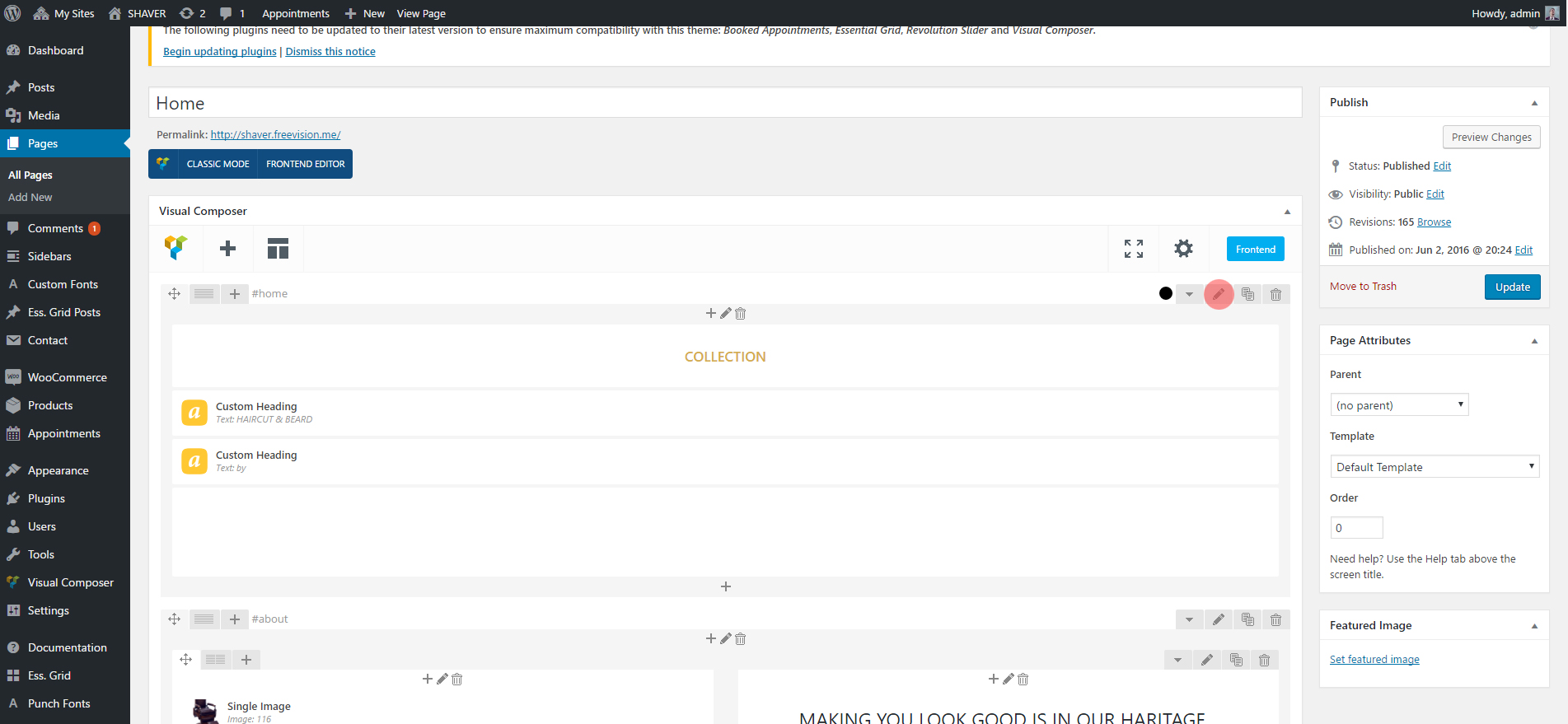
to activate this effect for your rows, follow the steps below;
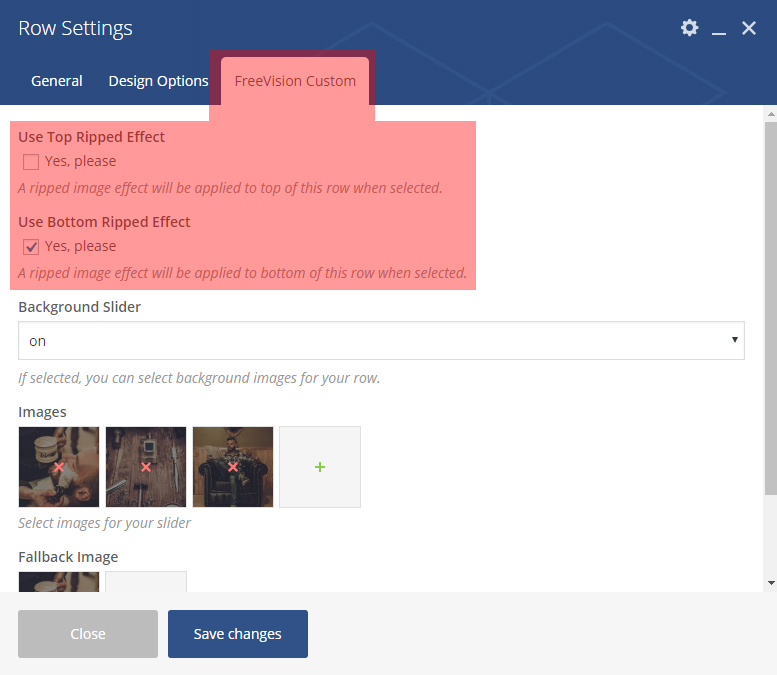
when row settings window open (below), select Top and/or Bottom ripped effect options. By using this options together on a row or one by one on multiple rows you can create different effects.
How do I customize/color ripped effect parts?
Necessary PSD (Photoshop) files could be found in the main package;
assets/psd/torn_effect.psd
once you complete customizing the parts, you can override on existing images which could be found in;
wp-content/themes/shaver/images/assets/top_row_ripped.png
and
wp-content/themes/shaver/images/assets/bottom_row_ripped.png
files.