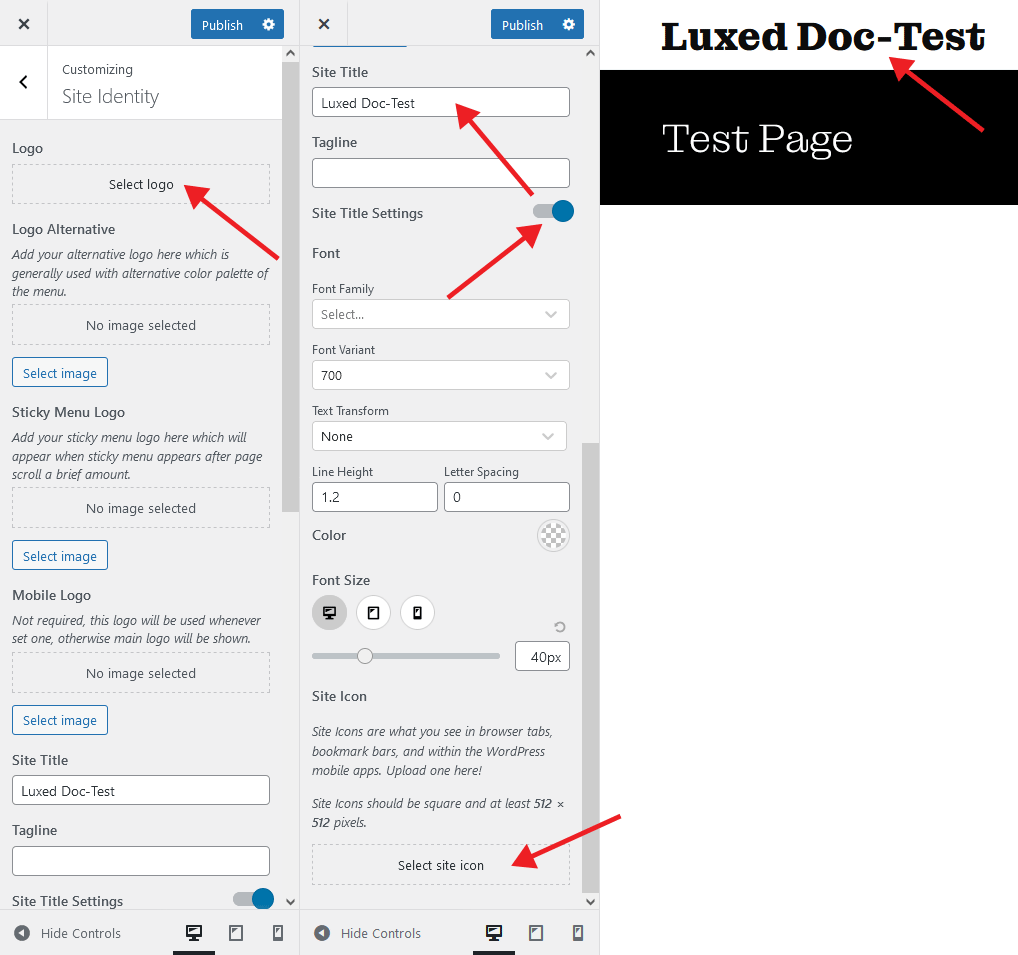
Site Identity Settings
Access your theme’s typography settings is via the WordPress Customizer. To launch it, go to Appearance → Customize → Site Identity in your WordPress dashboard.
By default, our themes display the site title in the header area. You can add or change your site’s title, logo, tagline, and a site icon from this section.
Select your logo image
Please click on Select Logo to choose your an image from the media library or upload a new image.